Power, always on your way
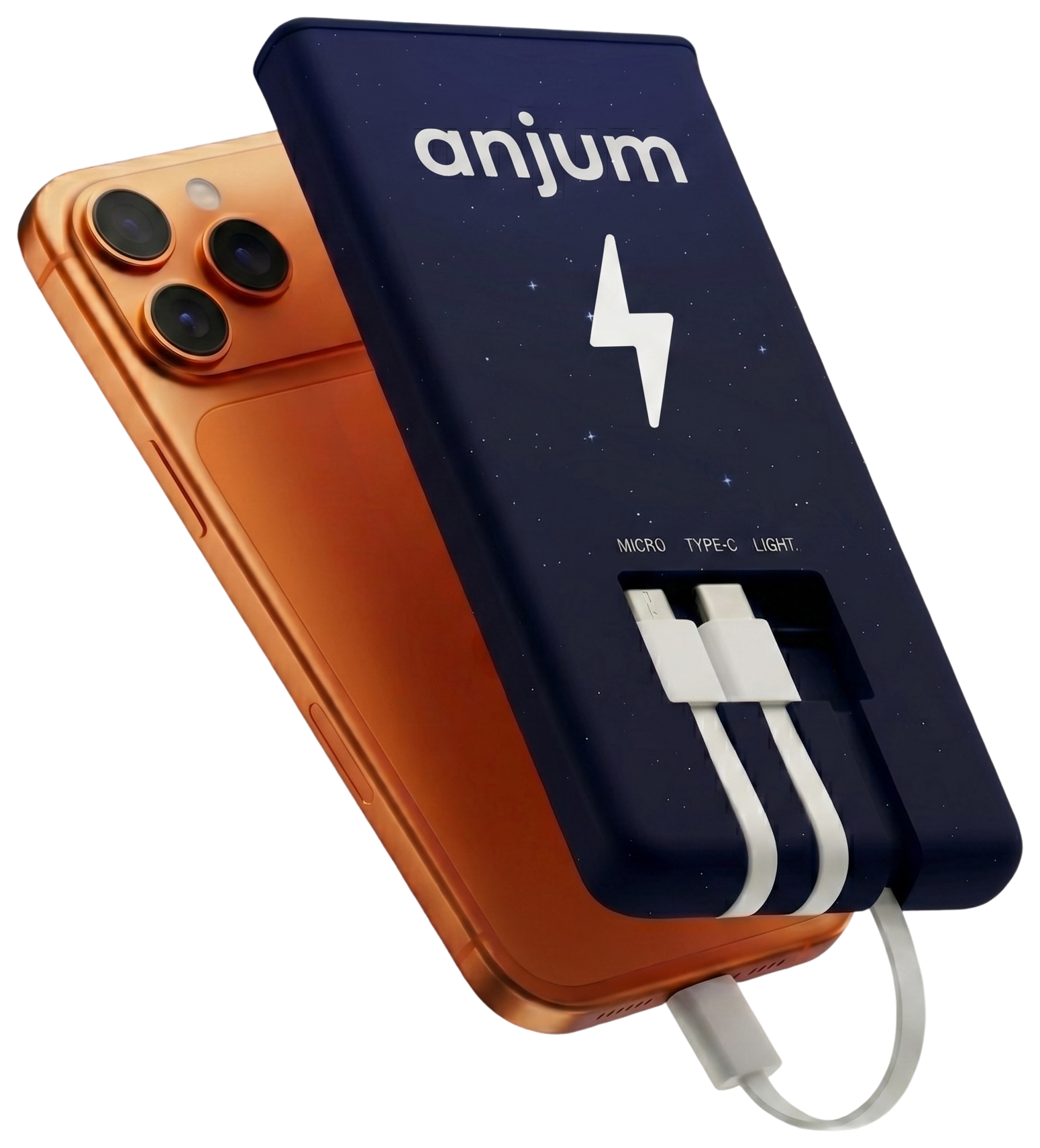
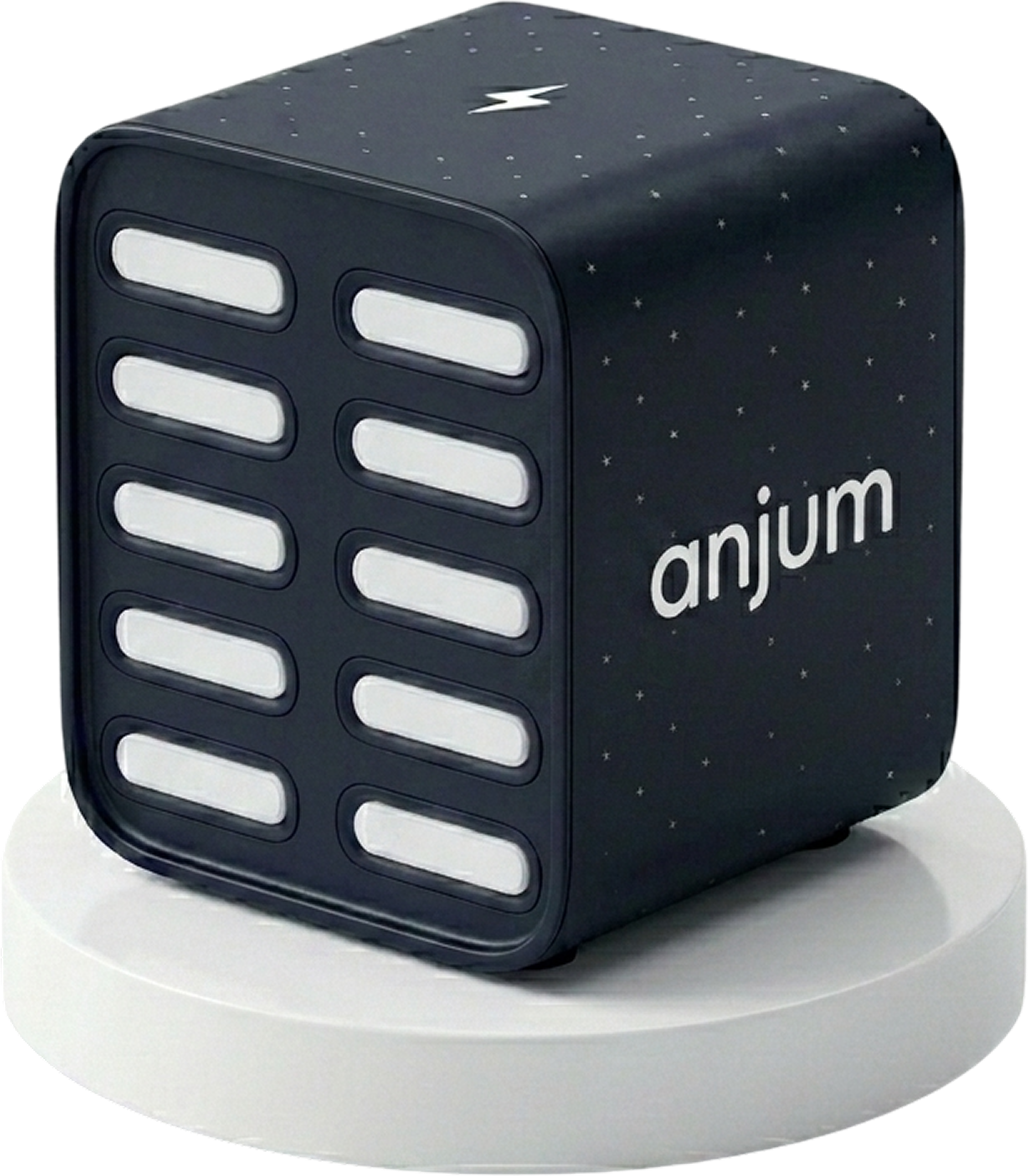
Rent a powerbank in seconds and return it at any station in the network. All right inside Telegram.
Taking charge is simple
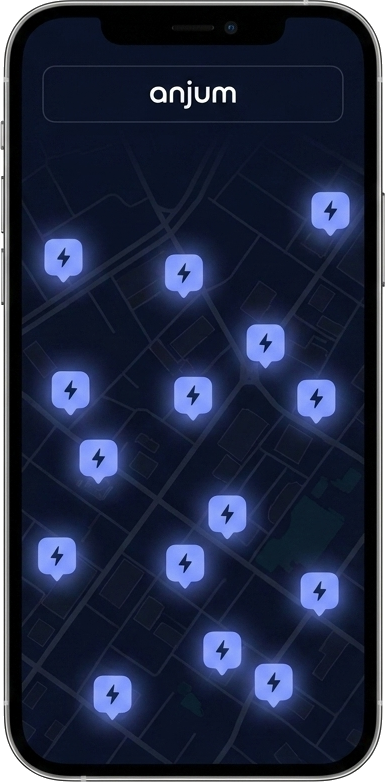
1. Find a charging station nearby
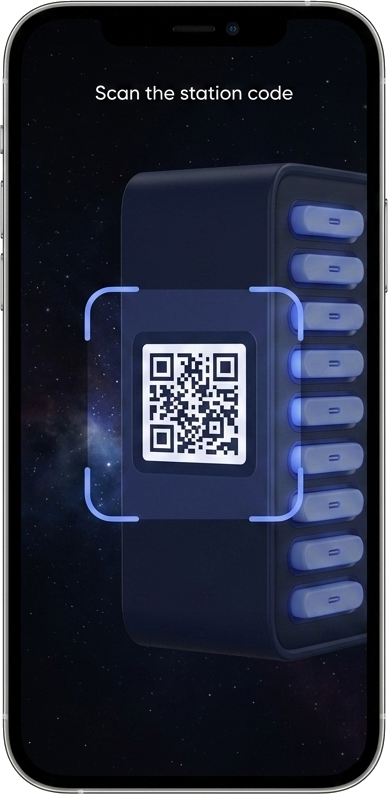
2. Scan the QR code and take the powerbank
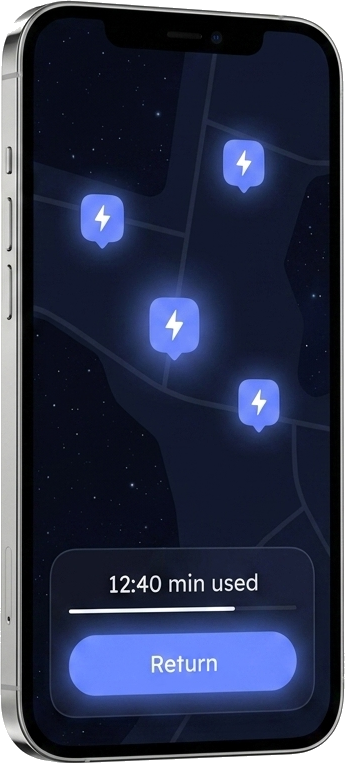
3. Return it wherever is convenient
Convenient to use
Thousands of stations
In cafes, malls, airports and transit hubs across the city.
Cables for every phone
All popular connectors are built in — no need to carry your own.
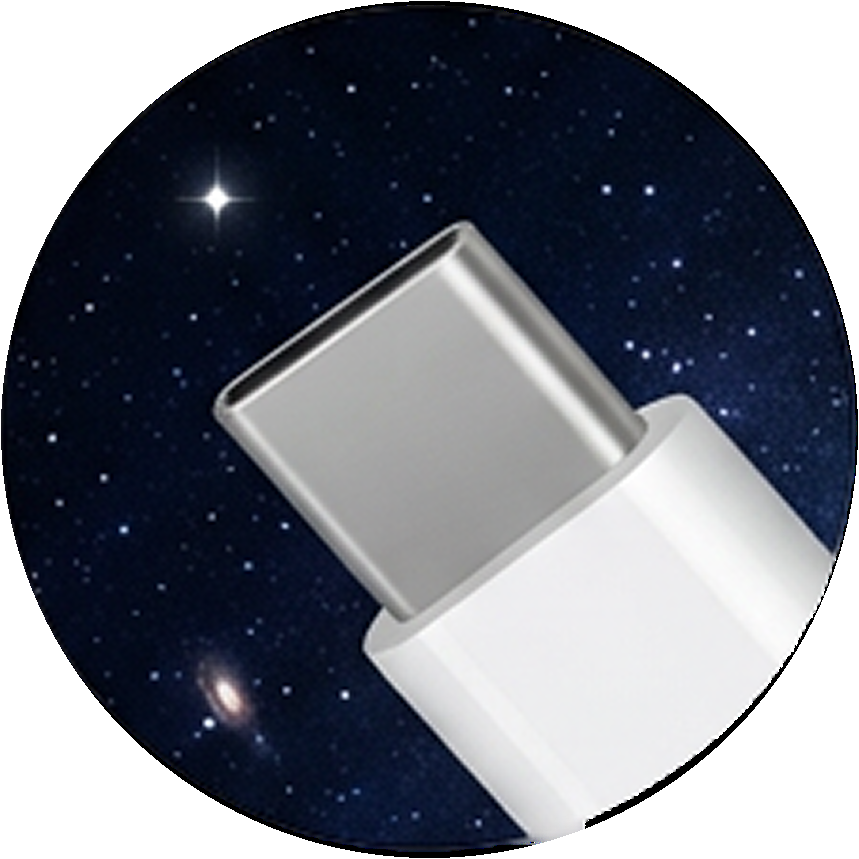 USB-C
USB-C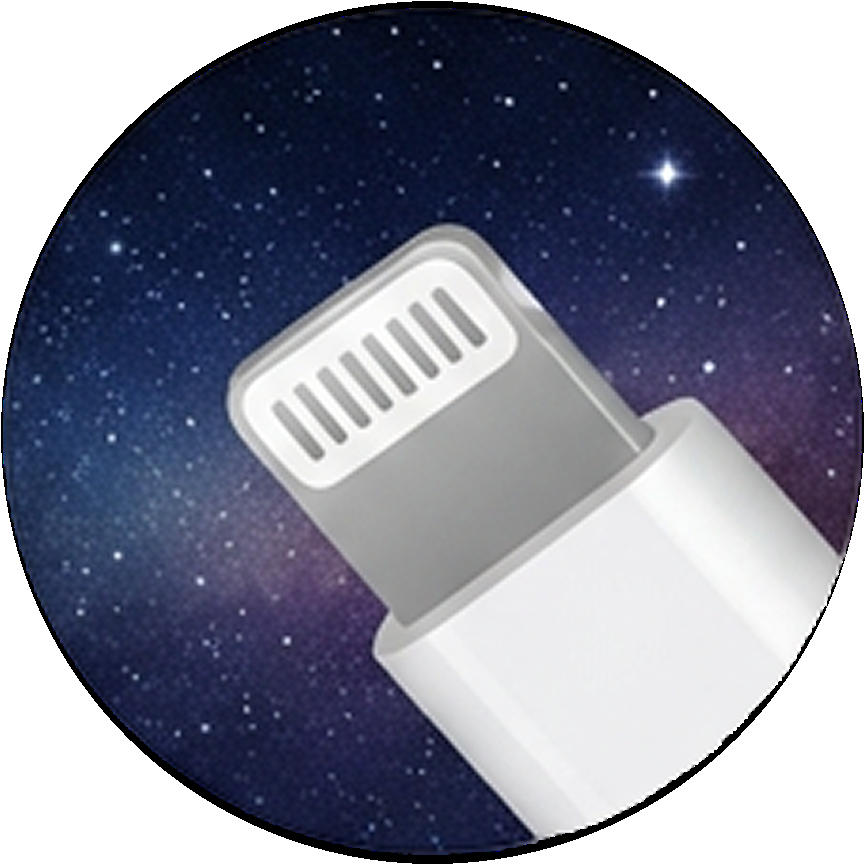 Lightning
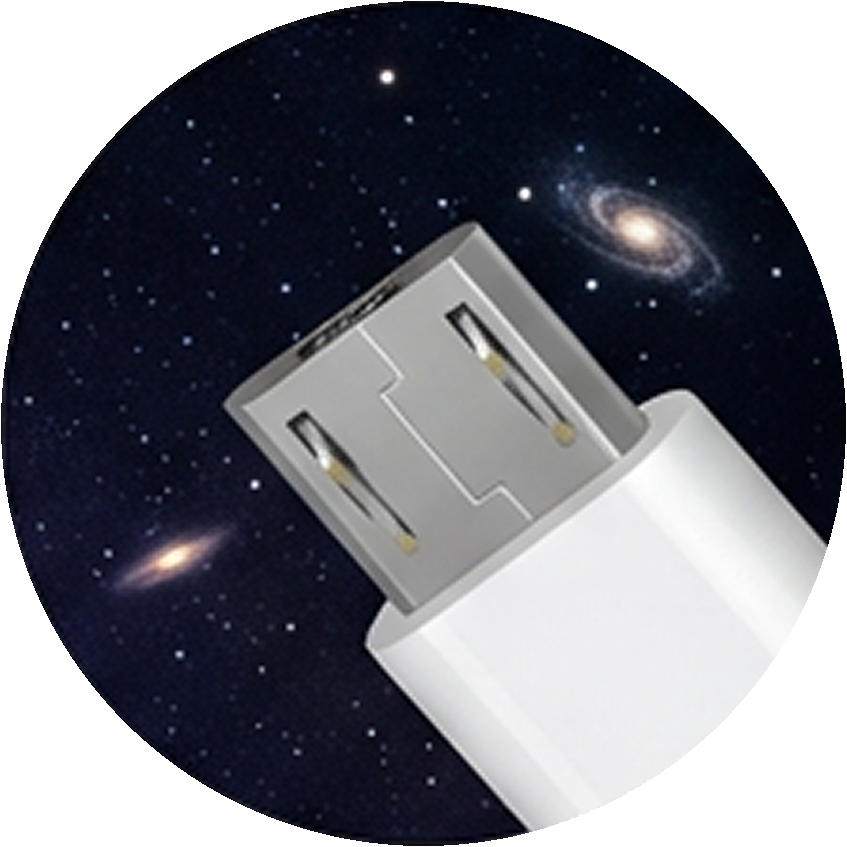 Micro-USB
Easy to return
Plenty of stations — return the powerbank at any one, even on the other side of town.
Free minutes on every rental
Every rental starts with free minutes. You only pay for the time beyond — clear and simple.
Take chargePowerbanks for business and events
Frequently asked
Where can I find a charging station?
Open ANJUM in Telegram and check the map — stations are in cafes, malls, airports and transit hubs across the city.
How do I take a powerbank from a station?
Find a station on the map, pick a free slot and the powerbank ejects — take it with you.
How do I return it?
Drop it into a free slot at any ANJUM station in the network, even on the other side of town.
How much does it cost?
You pay only for the time you use after the free minutes. The exact rate is shown in the app before you start.